Fun story from my win11 work machine. I’ve de-copiloted it to the best of my ability. Even so, ‘ai.exe’ was always running, consuming more RAM than I was comfortable with, and if I killed it, it would respawn.
I found i can delete the folder it resides in with no ill effect. But a few times a week, a process would recreate it.
System owned the parent folder but for some reason I was unable to revoke its write permissions. So instead, I created a junction so that anything written to the ai folder would instead write to a folder that I had sole ownership of.
This worked, except it ended up causing kernel failures and bootloader issues. Big yikes.
I haven’t figured out how do make a script that can delete a directory that needs admin rights. Instead, I created a script that pings the directory once per minute and tosses up a notification if it exists. Then I just go and delete it. It’s good enough for me, since it only happens 2x-3x per week.
I haven’t figured out how do make a script that can delete a directory that needs admin rights.
Yeah … me neither, I guess. I know how to do that on Linux easily enough (doesn’t even need a proper script, just a root cron job), but not sure how on Windows.
This is what shows they’re scared of people not using it as much as they need. They literally make your system crash if you try to fully disable it.
They’ve invested too much to let it be a choice, no matter how hard it would be to make that choice.


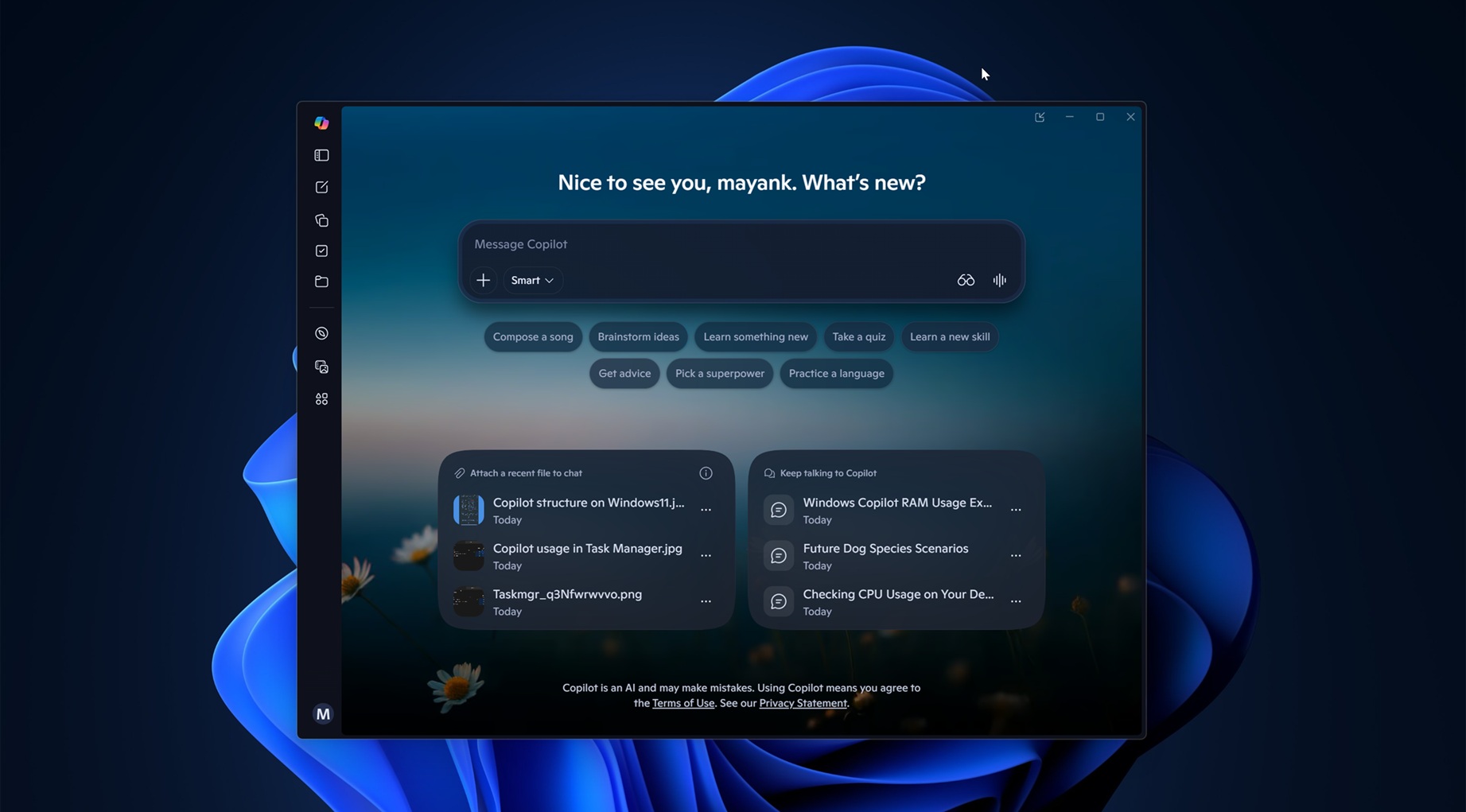
Fun story from my win11 work machine. I’ve de-copiloted it to the best of my ability. Even so, ‘ai.exe’ was always running, consuming more RAM than I was comfortable with, and if I killed it, it would respawn.
I found i can delete the folder it resides in with no ill effect. But a few times a week, a process would recreate it.
System owned the parent folder but for some reason I was unable to revoke its write permissions. So instead, I created a junction so that anything written to the ai folder would instead write to a folder that I had sole ownership of.
This worked, except it ended up causing kernel failures and bootloader issues. Big yikes.
Why not just write a script that re-deletes it every 5 minutes?
I haven’t figured out how do make a script that can delete a directory that needs admin rights. Instead, I created a script that pings the directory once per minute and tosses up a notification if it exists. Then I just go and delete it. It’s good enough for me, since it only happens 2x-3x per week.
Use task scheduler and click the run as administrator option. Also make sure you have the option set to run hidden, or run whether logged in or not.
Thank you! I will give this a try.
Yeah … me neither, I guess. I know how to do that on Linux easily enough (doesn’t even need a proper script, just a root cron job), but not sure how on Windows.
Create an empty file named ai.exe and mark it read only
This is what shows they’re scared of people not using it as much as they need. They literally make your system crash if you try to fully disable it.
They’ve invested too much to let it be a choice, no matter how hard it would be to make that choice.