

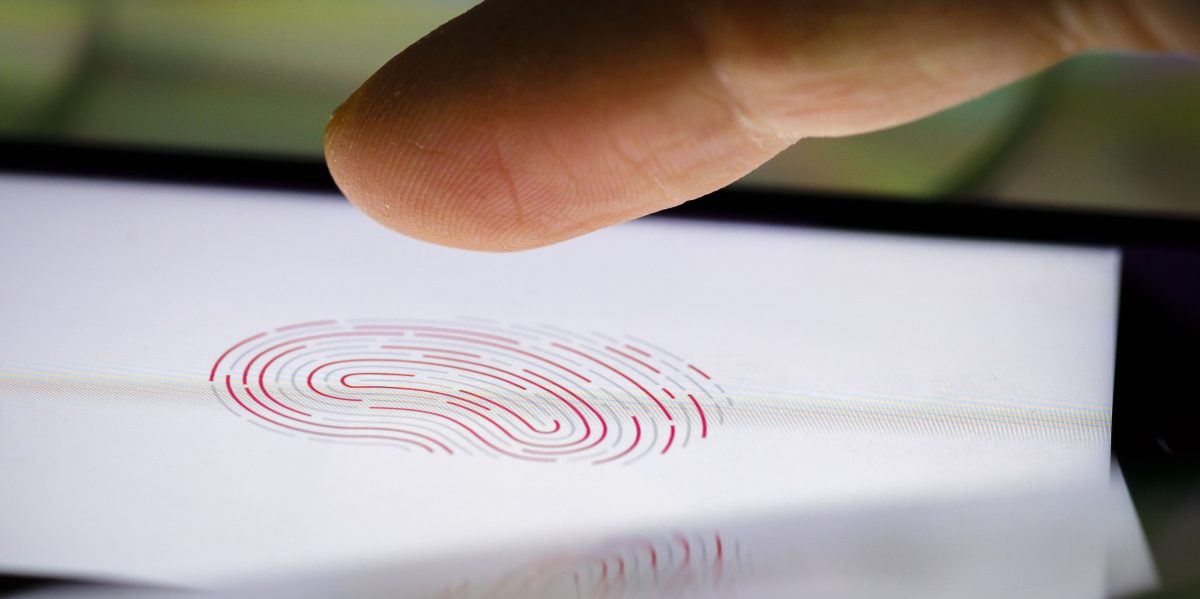
The recent federal raid on the home of Washington Post reporter Hannah Natanson isn’t merely an attack by the Trump administration on the free press. It’s also a warning to anyone with a smartphone.
Included in the search and seizure warrant for the raid on Natanson’s home is a section titled “Biometric Unlock,” which explicitly authorized law enforcement personnel to obtain Natanson’s phone and both hold the device in front of her face and to forcibly use her fingers to unlock it. In other words, a judge gave the FBI permission to attempt to bypass biometrics: the convenient shortcuts that let you unlock your phone by scanning your fingerprint or face.-
It is not clear if Natanson used biometric authentication on her devices, or if the law enforcement personnel attempted to use her face or fingers to unlock her devices. Natanson and the Washington Post did not respond to multiple requests for comment. The FBI declined to comment.
Or at the very least; turn your phone entirely off (shutdown) whenever you expect or encounter police contact.
Biometrics only work when the device is already running. Mobile devices are in their most locked down/secure state when ‘at rest’, ie shutdown.
In android; there is also a ‘lockdown’ mode you can quickly activate from the power off screen, that disables Biometrics until next unlock with a pin/pattern, but doesn’t fully shutdown so you can still quickly access things like the camera. This has to be explicitly enabled in settings first and will not offer much protection from various lockscreen bypass software available to law enforcement.
Also, don’t take your phone to protests. ACAB.
Wear clothing that can’t identify you. Hide tattoos and anything that might make you stand out. Get clothes from a free giveaway place, without cameras. Walk a bit differently if you need to.
Cover your face and cover surveillance cameras, or break them, or hack them (do the latter two only if you know what you’re doing).
Wear a body cam. Get bear and pepper spray. Pigs can fucking get it.
I’ve been debating buying a burner phone for protests, leaving my main phone elsewhere, and only powering on the burner when it’s needed. Probably the only way to bring a phone to a protest.
Buy an older pixel and install Graphene
Keep it off/in a faraday bag at all times, never turn it on at home. Go to elsewhere to set it up.
If they REALLY want you, you will get got.
But there’s no reason to make it easy.
100% it’s always a question of your resources vs theirs, but you’re dead on to make it harder.
I’ll just add to also turn it off, pull the SIM, and show in a Faraday bag on your way back too. If the recent reporting about ICE buying location data from ad networks shows anything, it’s that they are interested in a capability of following people to and from protests. Graphene should obviate this by disabling Google Play services by default anyway.
You should leave your regular phone at home, go to another place, power on your other device, speak your part in public, then travel another location and power off. This provides no consistent start or end location to work with for a particular device.
You can also buy faraday bags, if you want a phone available but not online. But it’s still there physically so burner would still be a good choice.
Just test it first. I got a faraday bag of Amazon and it didn’t work.
100%. I tested mine with calls and making sure the wifi and Bluetooth didn’t go through.
Bicycles don’t have license plates if you need a faster way.
For the clothing thing, it should be enough to buy from a thrift store. Just pay with cash to be safe. Although if you’re planning to do something that’ll make you of particular interest this may not be enough. Thrift stores do have cameras, and the police could theoretically look for a particular set of clothing being purchased. Its incredibly unlikely and would take a ridiculous amount of effort, but it is possible.
so what do i do with my prosthetic limbs?
If you remove them police won’t know you have them
you accidentally a word there
Fixed!
On iOS, with a locked device, quickly press the lock button five times to do the same, it should bring up the power off/SOS screen, which you can dismiss.
This can also be done by holding down both power and volume up buttons for a few seconds.
TIL thanks!!!
You should always turn off / reboot your phone if you expect it to be potentially be taken
Simply being locked after being unlocked once leaves the phone in a less secure state than if it was fully off or just rebooted and never unlocked.
If you need your phone to record the interaction, then you might only get as far as locking it, but always strive to shut it down.
Five clicks of the lock button on an iPhone will force a password or pin to enable biometrics again.
2 things. Unless I accidentally enabled this setting, it’s on by default. And what do you mean by lockscreen bypass software. What would be the point of lockdown if its not effective against law enforcement trying to brute force your privacy?
It may well be on by default now. I just know I had to enable it the last time I looked at this.
Tools such as those provided by Cellebrite and similar.
Lockdown mode is mainly to disable biometrics, to prevent someone on the street forcibly using them to unlock your device. It’s not going to stop an entire agency with more sophisticated tools.