You must log in or register to comment.
https://rareese.com/posts/backblaze
Backblaze quietly stopped backing up .git, mounted remote storage and maybe more without showing the user what they’ve stopped backing up?
Dread it. Run from it. Enshitification arrives all the same.
Backblaze quietly stopped backing up OneDrive and Dropbox folders
The article doesn’t really say if the OneDrive or DropBoxe folders were on the physical drive that was being backed up. Backblaze has a restriction on how the backup operates. The drives must be physically connected to the computer being backed up. I have no experience with backing up Git but to date, all my back ups are what they should be. I know there is software that ‘tricks’ BackBlaze into thinking NAS drives are connected, but not sure what the actual names of the software are.
all my back ups are what they should be
Are you sure? While the cloud backups may not affect you the exclusions might, afaict no one even knows what exactly is excluded.
From the link:
This annoyed me. Firstly I needed that folder and Backblaze had let me down. Secondly within the Backblaze preferences I could find no way to re-enable this. In fact looking at the list of exclusions I could find no mention of .git whatsoever.
Which strongly implies that there might be other important folders that aren’t backed up. (Without .git inside a git folder it is no longer a git repository)
I don’t use backblaze but from the outside it looks like they’re cutting costs by worsening the backups to reduce storage usage.
Are you sure?
100%
indie computing
Liked that
Boob O’Clock
That may have adult uses as well
If anyone is after a non vibe coded version, there’s
https://github.com/babybuddy/babybuddy
With all the same features and home assistant integration. So my wife can click a button on a zwave remote (that stays in the pocket of her nursing pillow) to log the feeding without having to find her phone.
+1 on babybuddy, I’ve only good things to say about it and its community. Also, it’s a Django app, so the bar to tweak it exactly the way you want is very very low.
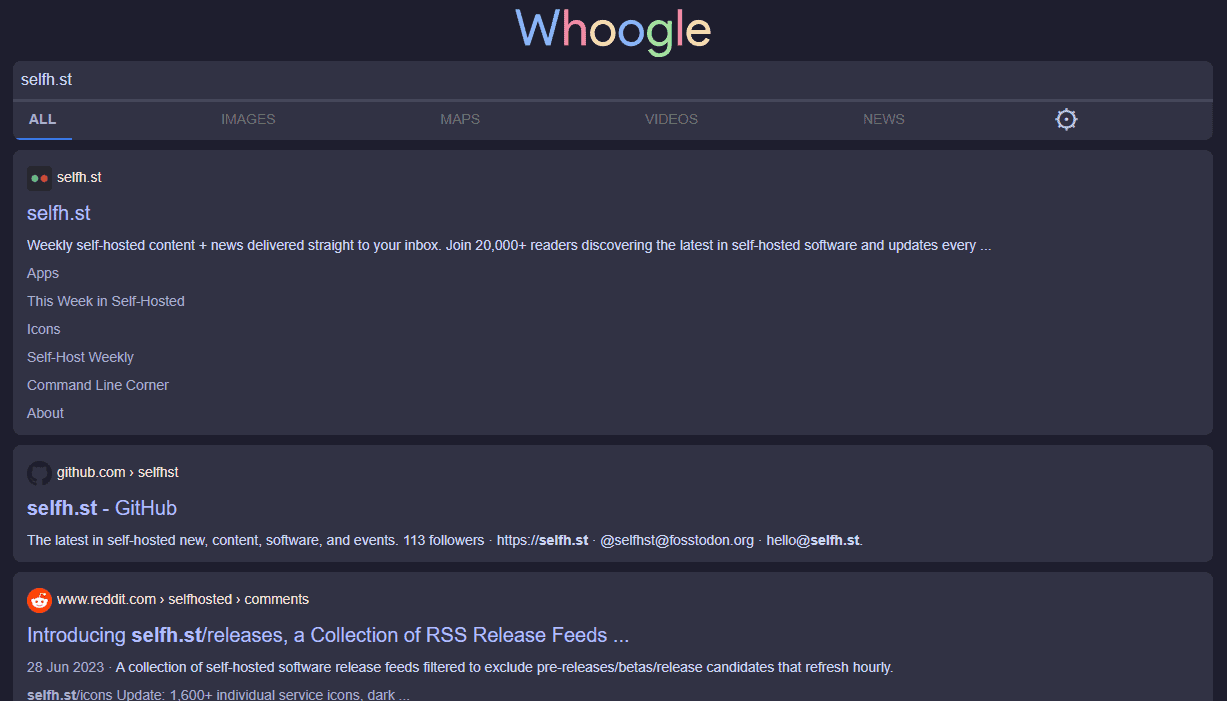
Does anyone know of an RSS feed for the newsletter? I’ve been trying to use RSS for more stuff recently
You can access the RAS feed for the newsletter for free, but if you want to be able to read it in your RSS client without having to visit the site directly you have to become a member.
deleted by creator
That home server thing is very expensive. I know it’s ECC, but that’s a lot for 16gb ram and no GPU.
I am looking for a NAS I can drop some existing WD Red drives into but that’s a lot. They came in a WD MyCloud but that’s thing is a privacy risk and is dog slow despite being hooked directly into a gigabit port.
I don’t know, it’s a solid package, 15 bays, decent CPU with good integrated graphics, and not much more than much smaller and weaker NAS offerings.
I guess that feels more like something for small/medium businesses than home server.
I actually missed the integrated GPU part as well, as it’s not on their tech-spec list. I wonder what the specs on that are, I’d want something at least that I could use to compute embeddings for file/document retrieval. This iGPU looks like it’s 4 years old, which would be fine for video decode.
https://www.techpowerup.com/gpu-specs/uhd-graphics-770.c3844
It’s decent for most usecases. The motherboard has two gen5 pcie ports, and it comes with a 1,000W power supply, so you should be able to add a discrete card if you need it.
https://www.gigabyte.com/Enterprise/Server-Motherboard/MW34-SP0-rev-10
Sure, you could build your own comparable system, but it’s a nice package at a fair price, assuming it doesn’t go up.
oooh borg UI seems nice and useful, I’ll be setting that up this weekend!